
To register a new account with Exness and verify it step-by-step, follow these instructions:
Step 1: Start Registration
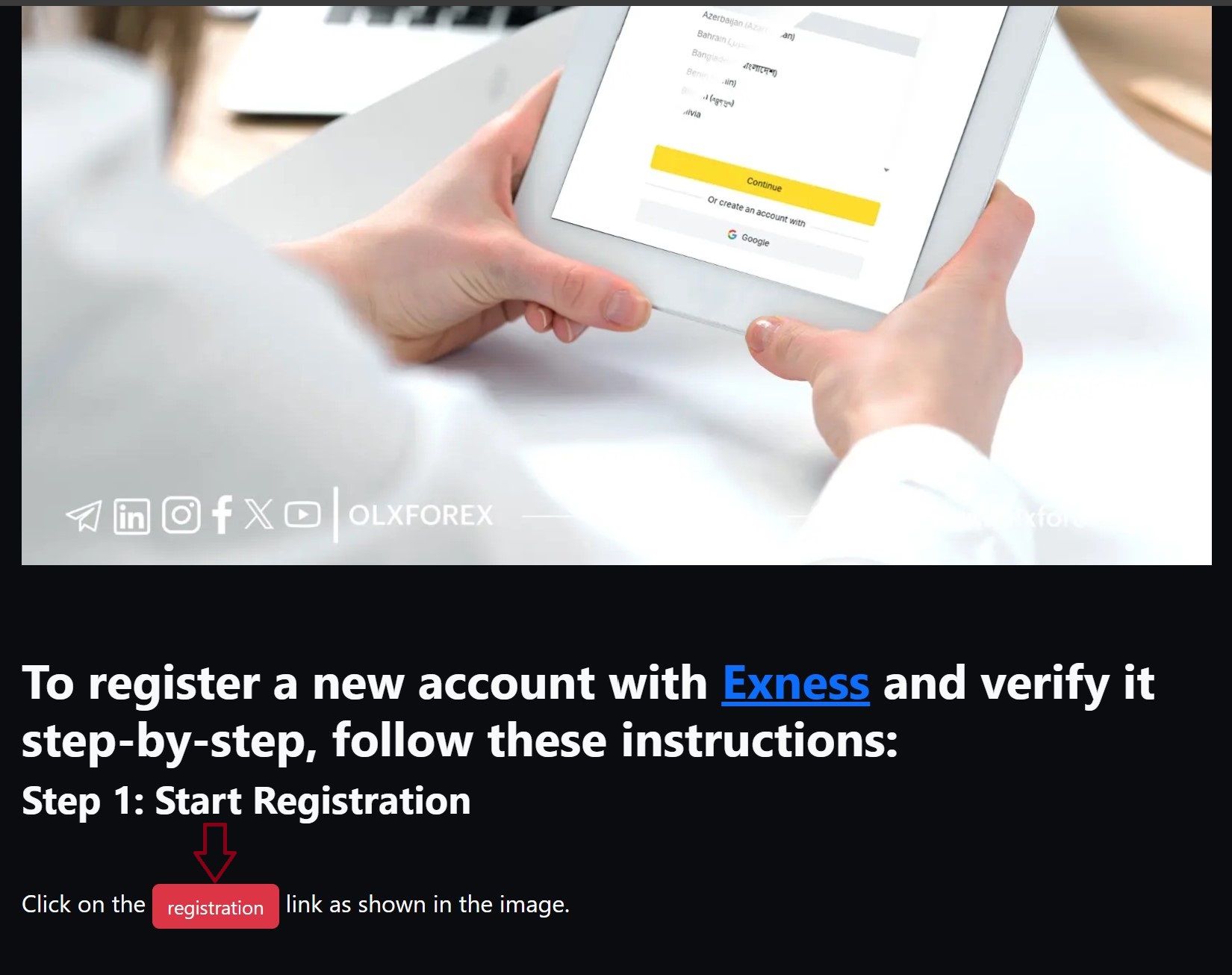
Click on the ➡️ registration ⬅️ link as shown in the image.
Step 2: Enter Account Details
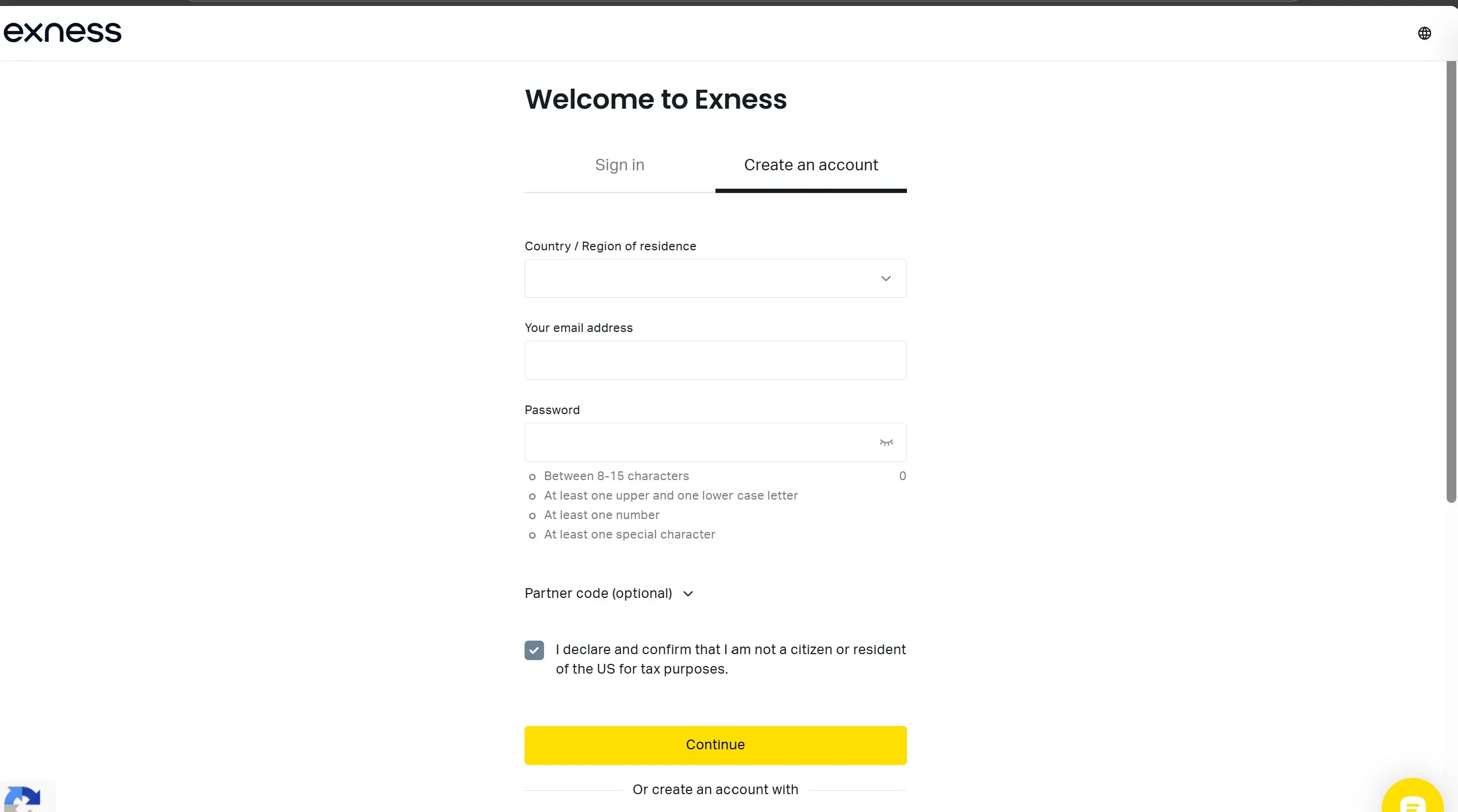
A registration page will appear. Fill in the account details accurately as shown in the image.
After entering your details, a new page will pop up.
Step 3: Choose Account Type - Real or Demo
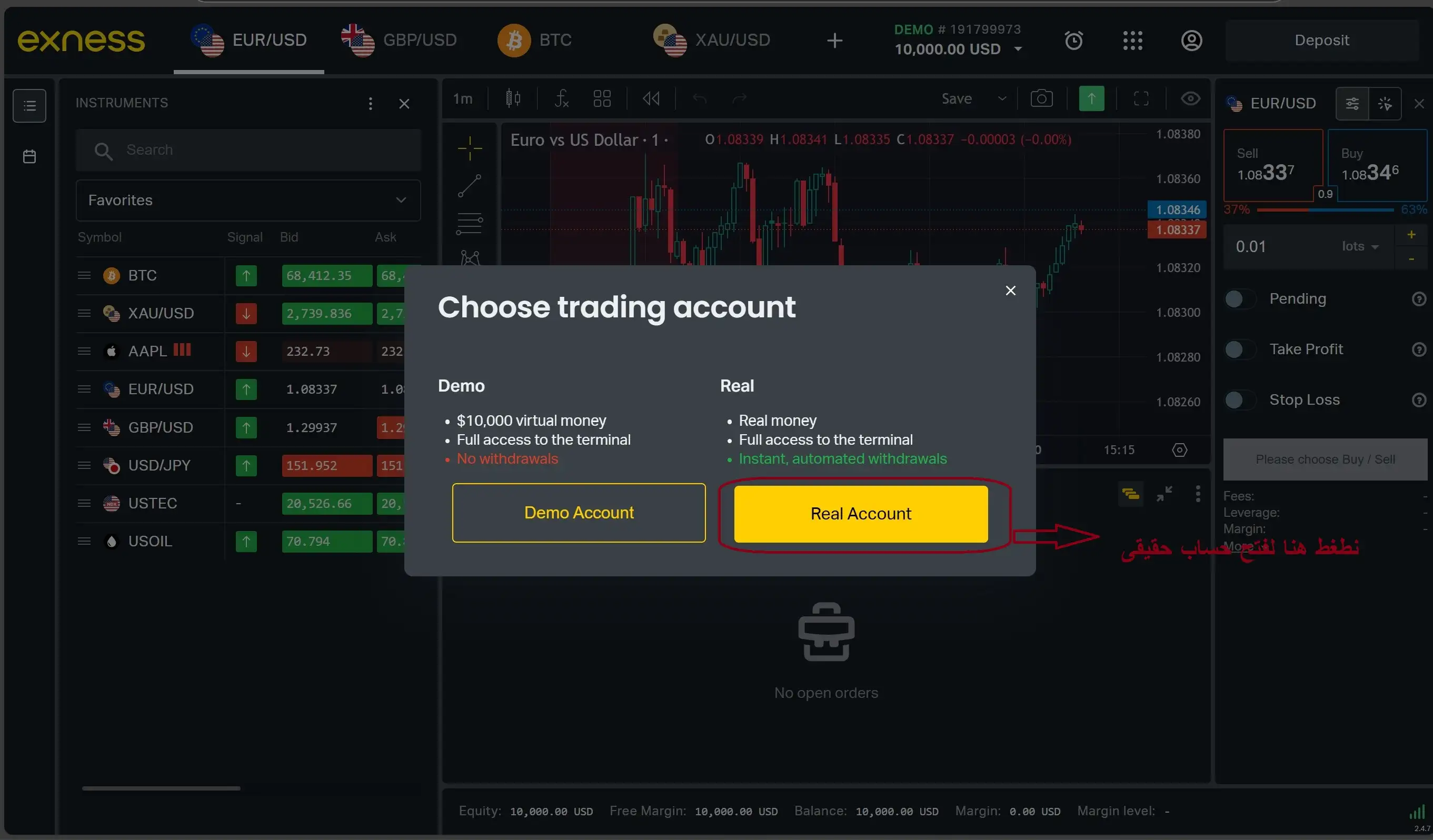
Here, choose the real account. Later, you can open a demo account from your personal area if needed.
After selecting the real account, your personal area will appear, and your real account will be created in Exness. Now, it’s time to verify the account in the next step.
Step 4: Activate and Verify Your Account
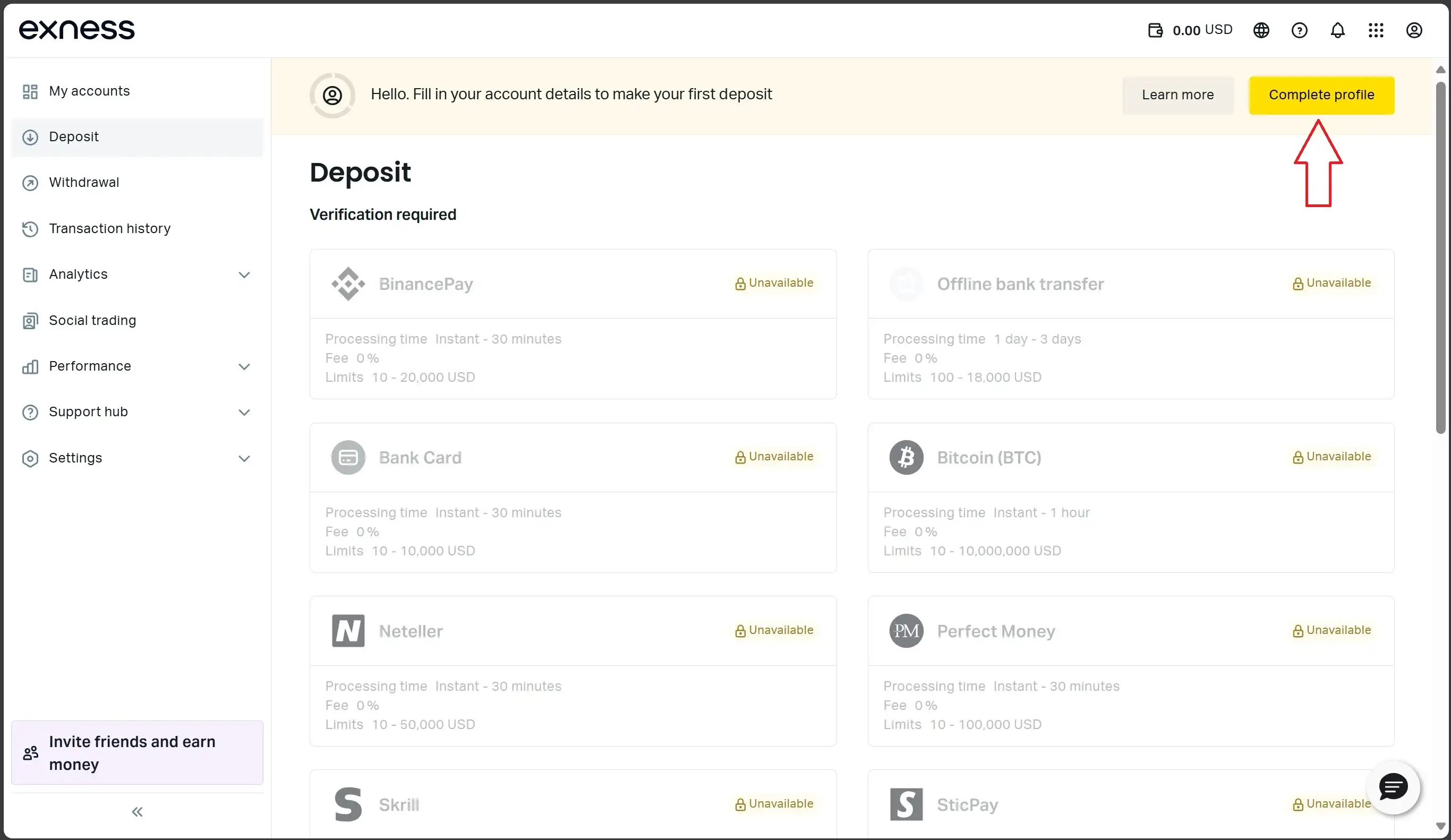
Click on "Complete Profile" to bring up a window where you need to verify your email address. Click "Start Now," and a code will be sent to the email you registered with. Copy this code and paste it in the required field to confirm your email.
Phone Number Verification: Exness will send an SMS with a code to the phone number you registered with to confirm it is your number.
Move on to the most important part, which is completing your profile information.
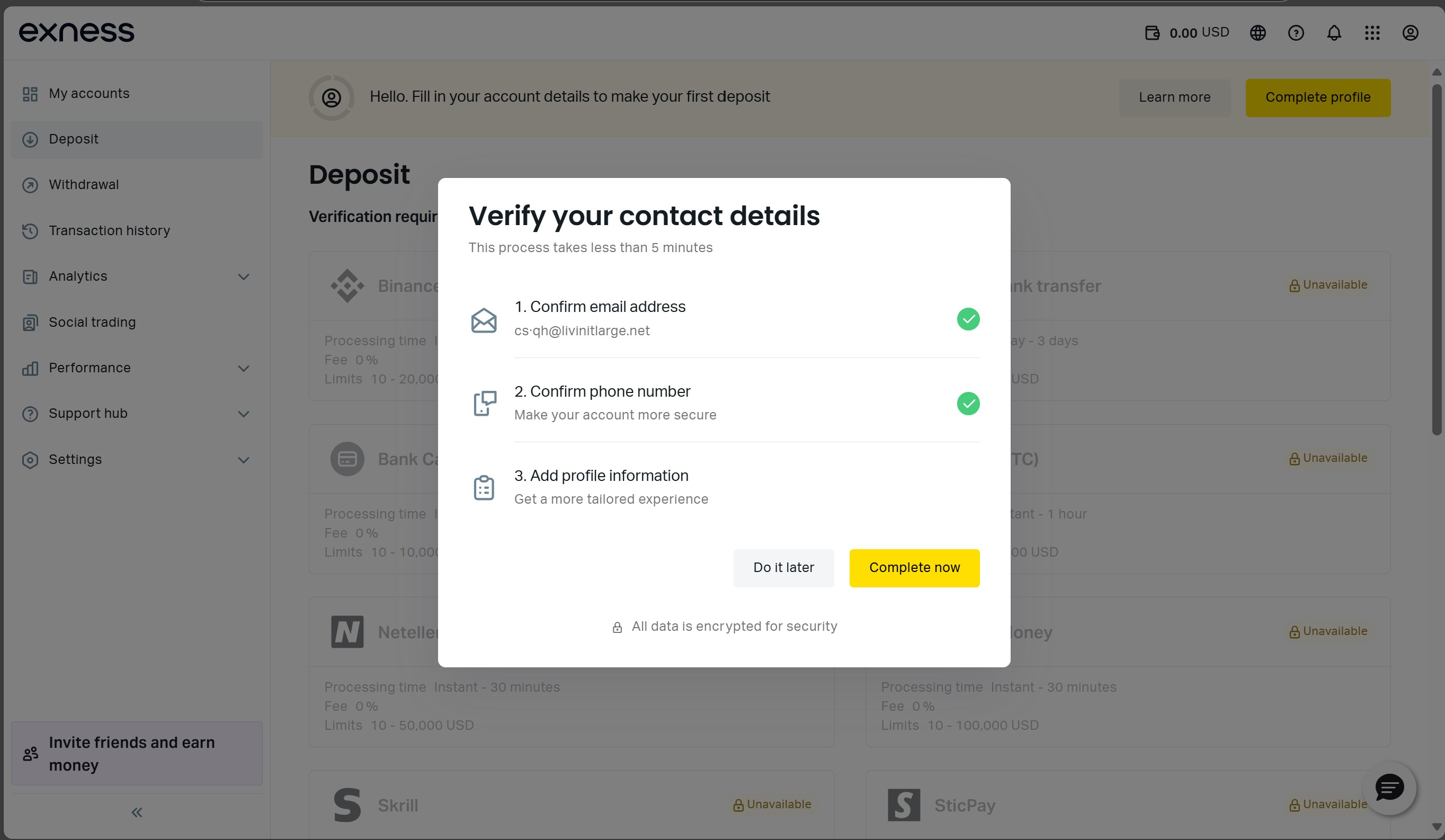
Step 5: Profile Information
Click on "Complete Now."
A new window will appear. Fill in the following details:
First Name, Last Name, Date of Birth, Residential Address, and Gender.
Click "Continue" after completing these fields.
Step 6: Answer the Suitability Questions
You’ll be asked several questions to assess your suitability:
What is your purpose for opening an account? Select, for example, "Investment," and click Continue.
Source of Income and Wealth? Select "Savings" (it’s best to pick one option to avoid further document requests) and click Continue.
What is your profession/field of work? Enter your profession and click Continue.
Specify your total wealth: Choose, for example, 20k to 50k or more, depending on your deposit plans.
What is your current employment status? Select your current status.
What is your annual income after taxes? Choose, for example, 10k to 20k.
Your experience trading CFDs with real funds in the last three years? Choose "Less than 10 trades."
Time needed to master trading skills? Choose "More than 6 months with proper study."
Expected monthly income to invest with Exness? Select "Up to 25% of my monthly income."
Trading plans over one year? Choose "Trading as a side job that may become full-time."
What trading instruments do you plan to use? Select Metals (gold, silver, etc.) and Forex/Currency pairs.
How did you first hear about Exness? Choose "Other (open-ended)" and write "through olxforex.com."
Once you finish answering, your account is ready for deposits and trading for one full month without needing to verify your identity or upload any documents. However, deposits will be limited to certain methods. To unlock all deposit methods, complete the final step of uploading your identity and address proof.
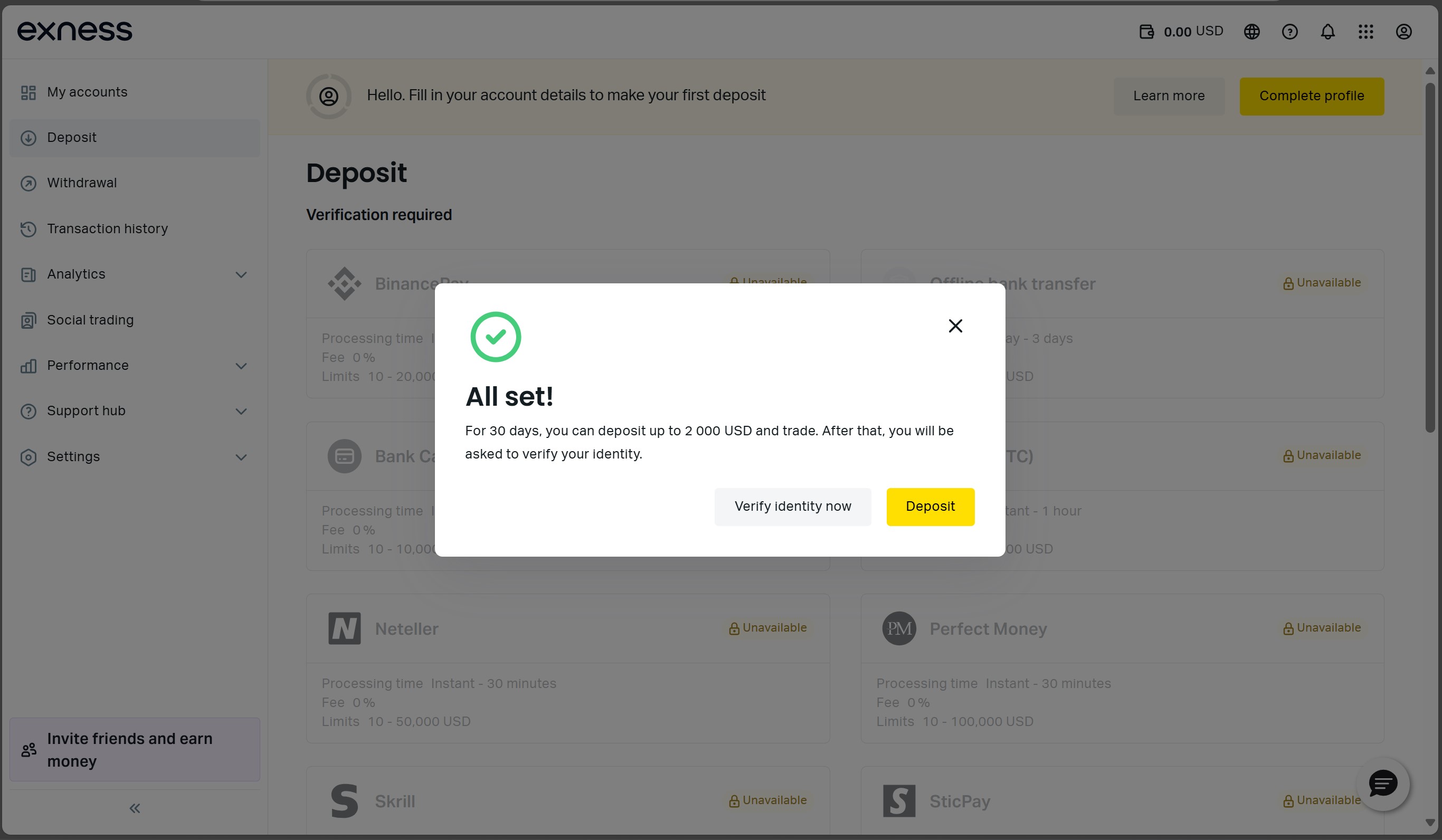
With that, your account registration is complete! Good luck with your upcoming trades, and don’t forget to get your free recommendations on the OLX Forex channel. You can contact OLX Forex support ⬅️ to request free access to the private channel as an Exness client.


